Check out the top Minecraft skin editors for 2026. We found the best tools for web, mobile, and PC so you can build a unique look. Stop being a Steve and start creating your own style now.
Finding the right tool to design your character is the first step to looking cool in your favorite servers. There are tons of options out there, from simple websites to pro 3D software that lets you paint every single pixel with detail. Whether you want to fix a skin you already found or start a new one from zero, these tools make the whole process super easy for everyone. Here is our fresh list of the best Minecraft skin editors you can use right now.
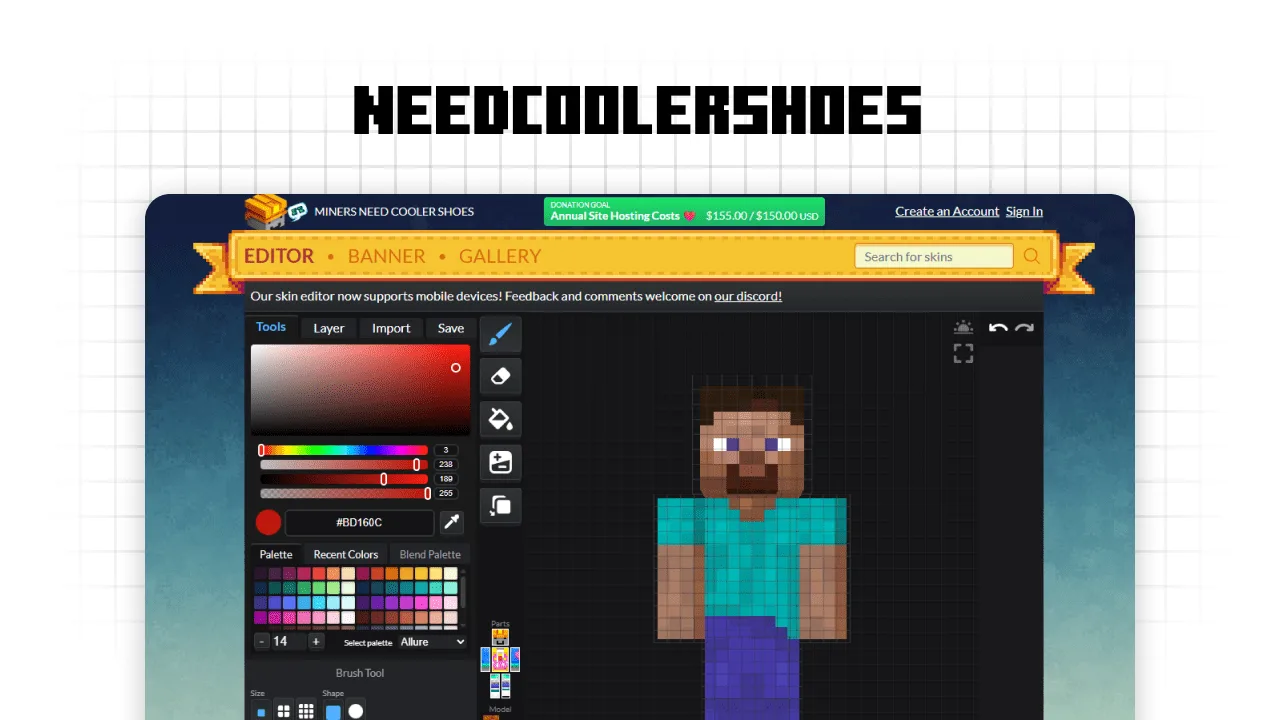
If you want a classic vibe while making your character, this site is a total gem. It is super handy because you can just type in a username to grab an existing skin and start editing it instantly. The layout is clean and lets you mess with layers, custom color palettes, and even different brush shapes. It is perfect for adding those tiny details that make your avatar look unique on any server.
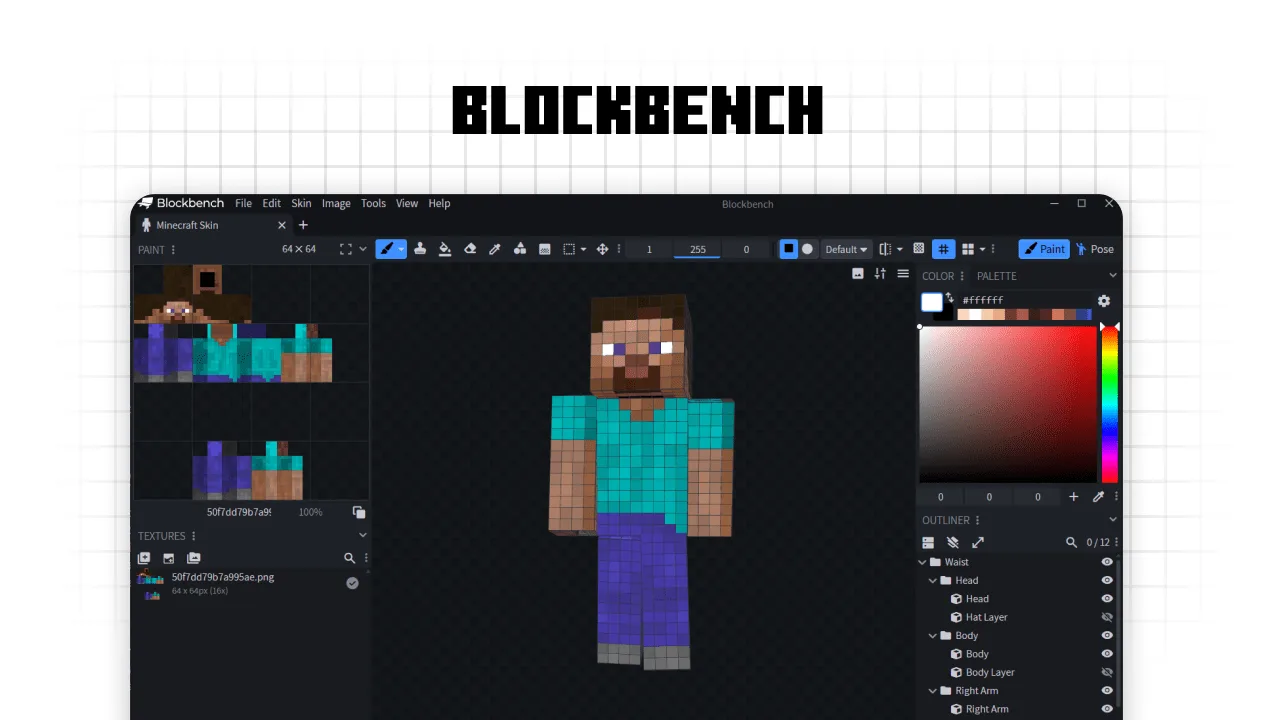
If you want to feel like a real game dev, Blockbench is the ultimate pro tool. It is a powerful 3D modeling app used by actual creators to make Minecraft entities and high-quality skins. You can paint directly onto the 3D model with incredible precision while viewing the 2D texture map at the same time. It supports advanced layers and complex modeling, making it the best choice for anyone serious about skin design.
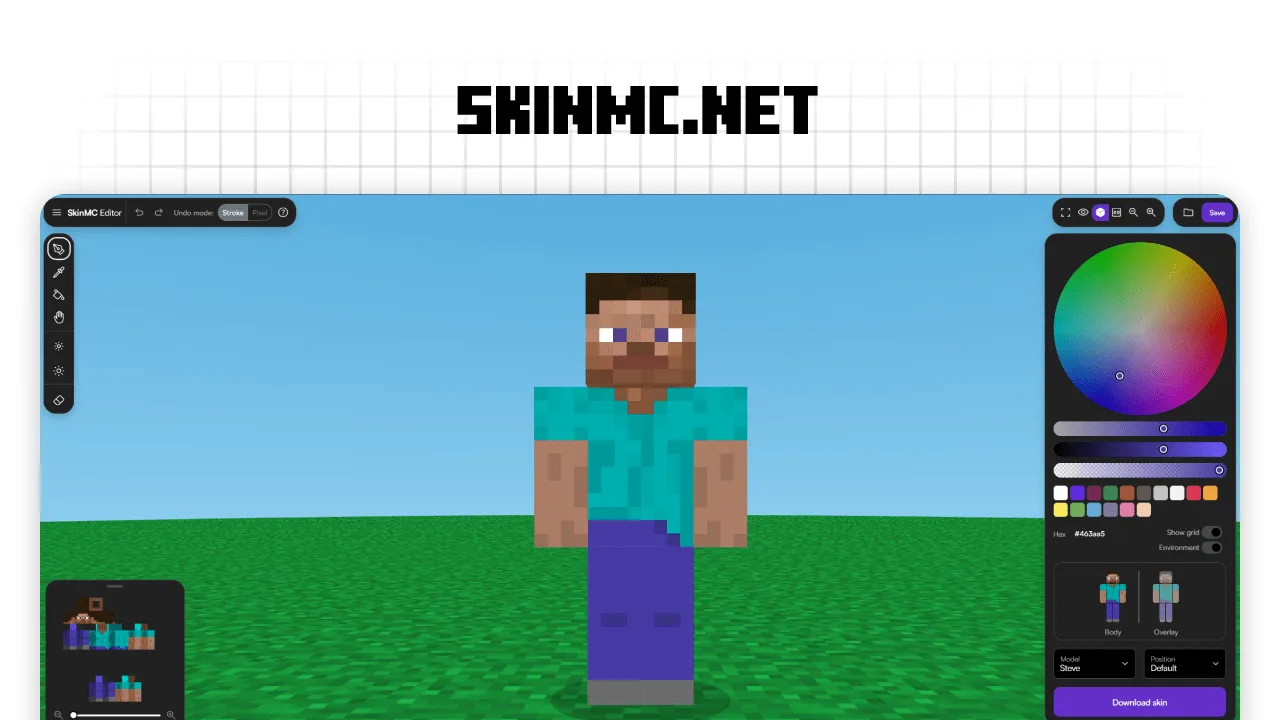
If you want a modern way to customize your character, SkinMC has one of the best 3D editors out there. It feels super smooth and lets you paint directly onto a 3D model, making it easy to see exactly how you will look in-game. You can toggle layers, adjust lighting, and even use a smart color wheel to find the perfect shades. It is a top-tier choice for creating professional-looking Minecraft skins without any lag.
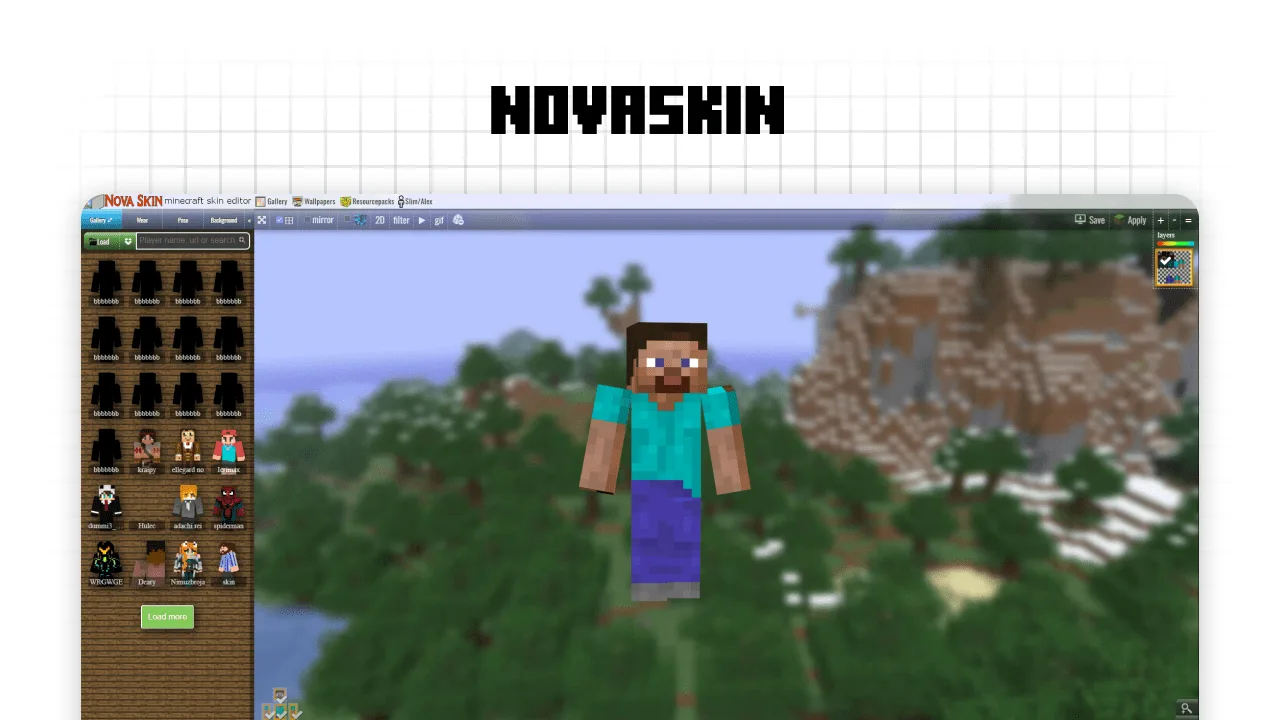
Nova Skin is a legendary tool that every player should try at least once. It features a massive gallery where you can browse thousands of community designs and remix them instantly. The 3D preview is great for seeing how outfits flow, and it even includes cool posing options and wallpapers. It is super easy to use, making it a favorite for quickly refreshing your look with pro-style filters and layers.
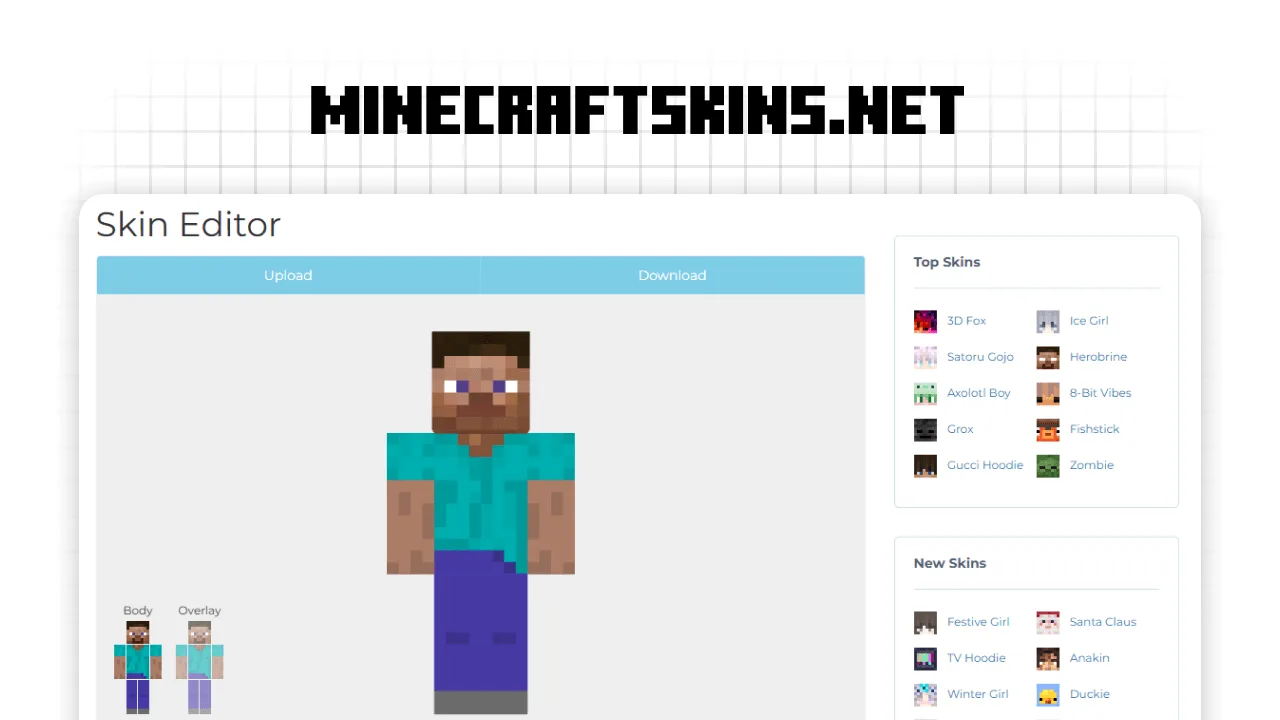
If you want a straightforward and super clean tool, this editor is the way to go. It offers a very organized workspace where you can switch between the body and overlay layers with just one click. It also features a sidebar with popular community skins like Satoru Gojo or Herobrine, which you can load and tweak to make them your own. It is a reliable choice for beginners who want a fast, no-nonsense designing experience.
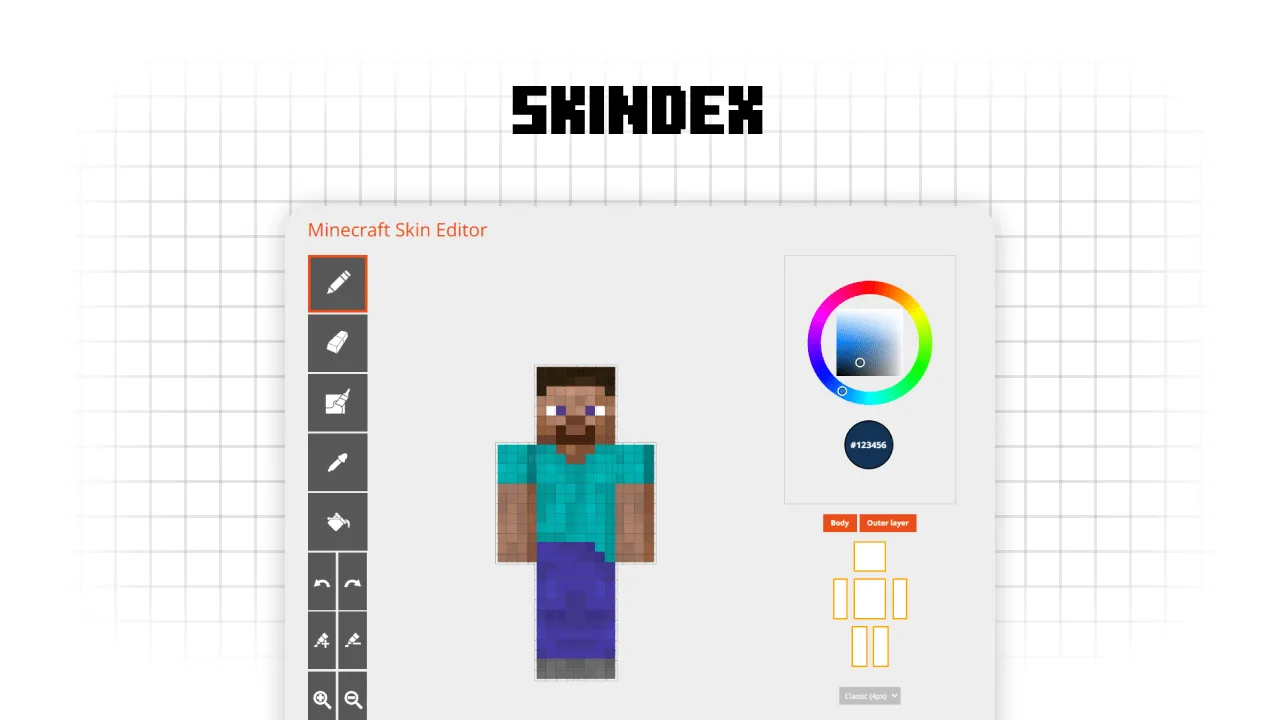
The Skindex editor is a fan favorite for a reason. It is super easy to use and gives you full control over your character's look with its classic pixel-grid interface. You can easily switch between the body and outer layers to add cool 3D depth to your outfits. Plus, it has a direct upload button to the Skindex gallery, so you can share your custom creations with the community in seconds.
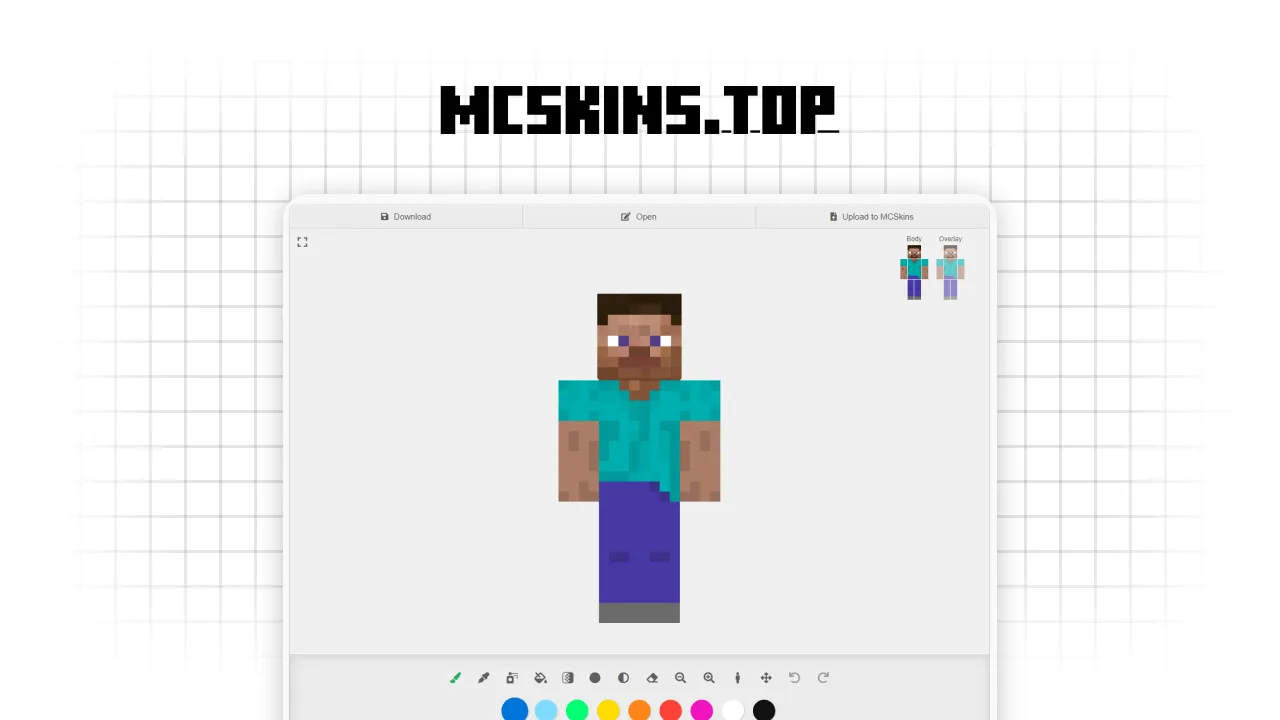
If you want an editor that does it all, you have to check out this one. It is packed with unique tools like Image2Skin, which helps you turn pictures into textures, and even a Skin2Totem generator to make your Totem of Undying look just like you. The interface is super smooth, featuring advanced settings to mirror your movements and adjust brush styles for pixel-perfect designs. It is definitely a pro choice for creators who want to level up their game.
That is all for today's pick of the best editors to help you stand out in the game. Most of these are totally free and work right in your browser, so there is no excuse to keep using that default skin. Grab one of these tools and let us know which one helped you create your best look yet.